How to Choose a Colouring Book from Photos
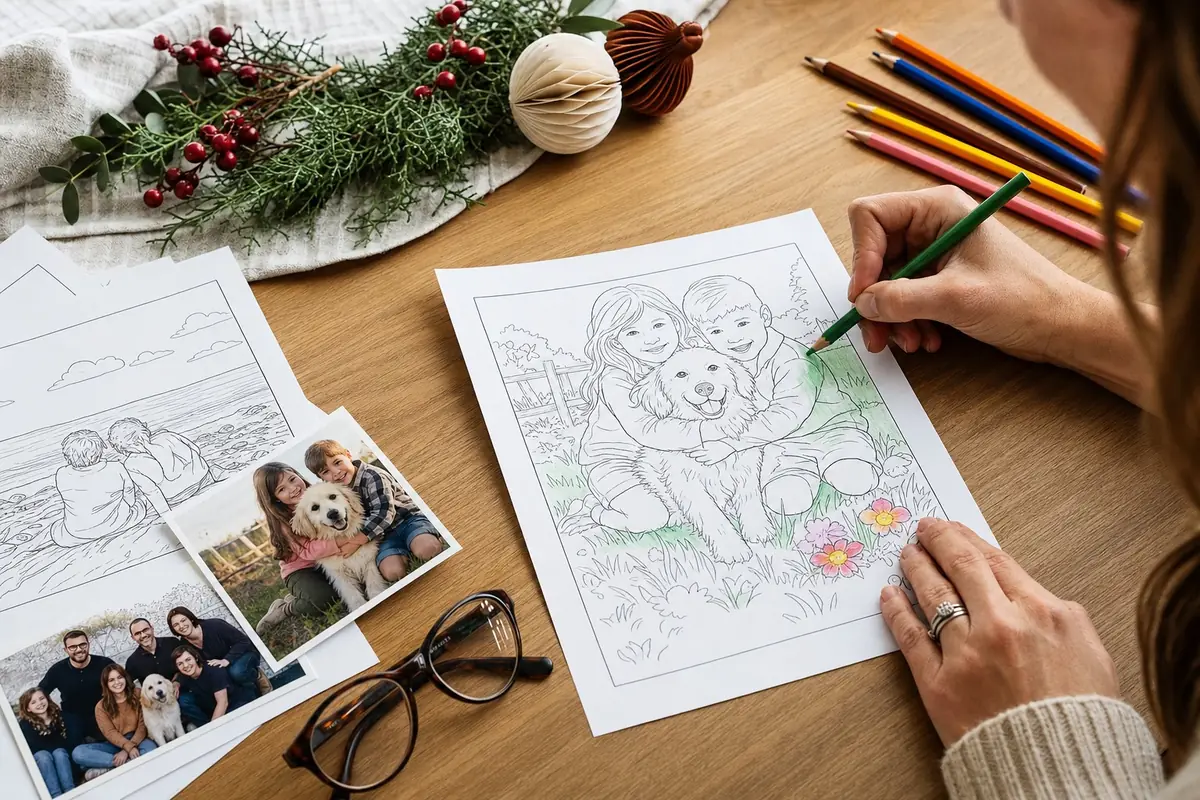
A colouring book from photos sounds simple until you are staring at two thousand phone images wondering which ones deserve a page. This guide keeps the deciding part short so you can get to the quiet part.
A colouring book from photos sounds simple until you are staring at two thousand phone images wondering which ones deserve a page. This guide keeps the deciding part short so you can get to the quiet part.
Color Me In makes a personalised PDF colouring book from the photos you upload. You print at home. You keep the file. You are not hunting a free unlimited converter that disappears next week.
Start with the job of the book
Is it a gift, a rainy-day activity, or a keepsake for you?
Gifts need clearer faces and a cover that matches the person. Rainy-day books can mix kids, pets, and holidays. Keepsakes can include the slightly imperfect shots that still mean something.
Naming the job first stops you uploading everything “just in case.”
Choose photos like you are editing a fridge wall
Pick images with one clear subject. Good light. Enough space around the face or pet that the outline has room to breathe.
Group shots can work if people are distinct. Tiny faces in the back of a dark restaurant usually do not.
You do not need professional photos. You need honest ones you would show a friend.
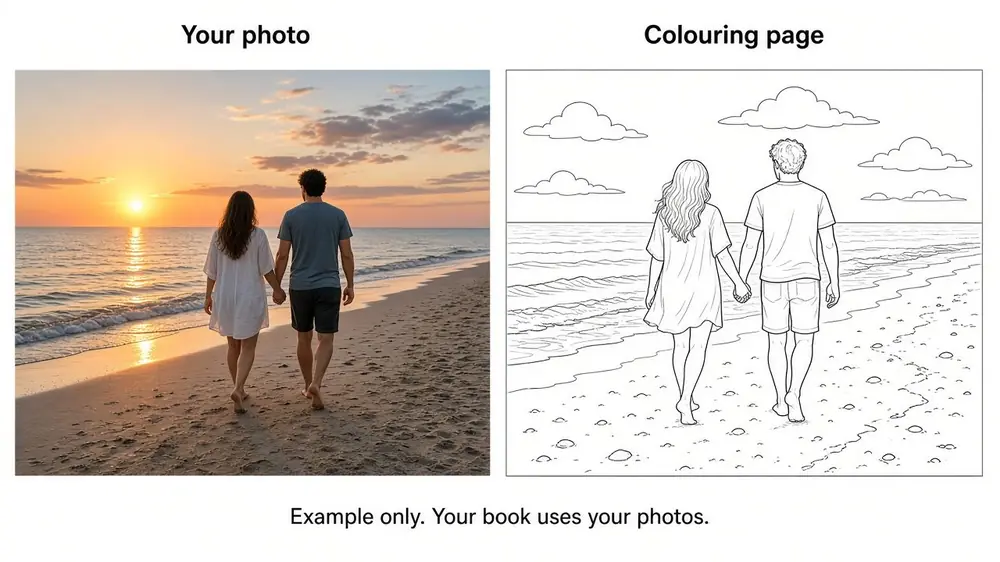
Decide page count before you spiral
Ten pages is a solid starter book and matches Color Me In’s from-price (about $5.99 for 10 pages). More pages are fine when you already know the gift is the main event.
For stockings or a first try, fewer printed pages from the same PDF still work. You can always print more later.
Style and cover: keep it simple
Pick a sketch style that keeps faces readable. Then choose a cover that matches the story: pets, birthday, Christmas, or a calm everyday option.
If you are unsure, make the book for the photos first and treat the cover as wrapping. The pages matter more.
What “good” looks like when you download
You should get a print-ready PDF, not a mystery file. Print single-sided on A4 at actual size. Greyscale or black and white is usually enough.
If something looks odd on one photo, swap that image and regenerate rather than forcing a weak shot to carry the book.
A calm path on Color Me In
Read the photo-to-book walkthrough on colouring book from photos, then build on custom colouring book or go straight to create your book.
Want one watermarked preview before you commit? Use a free trial page.
Short checklist
- Job of the book is clear
- Photos are bright enough to outline
- Page count matches gift vs rainy-day use
- You know you will print at home (posted print books are on the waitlist for now)
That is enough to choose well without turning it into a week-long project.